The month-end close workflow, step by step
By Donna Shay · October 24, 2026
Category: accounting-operations
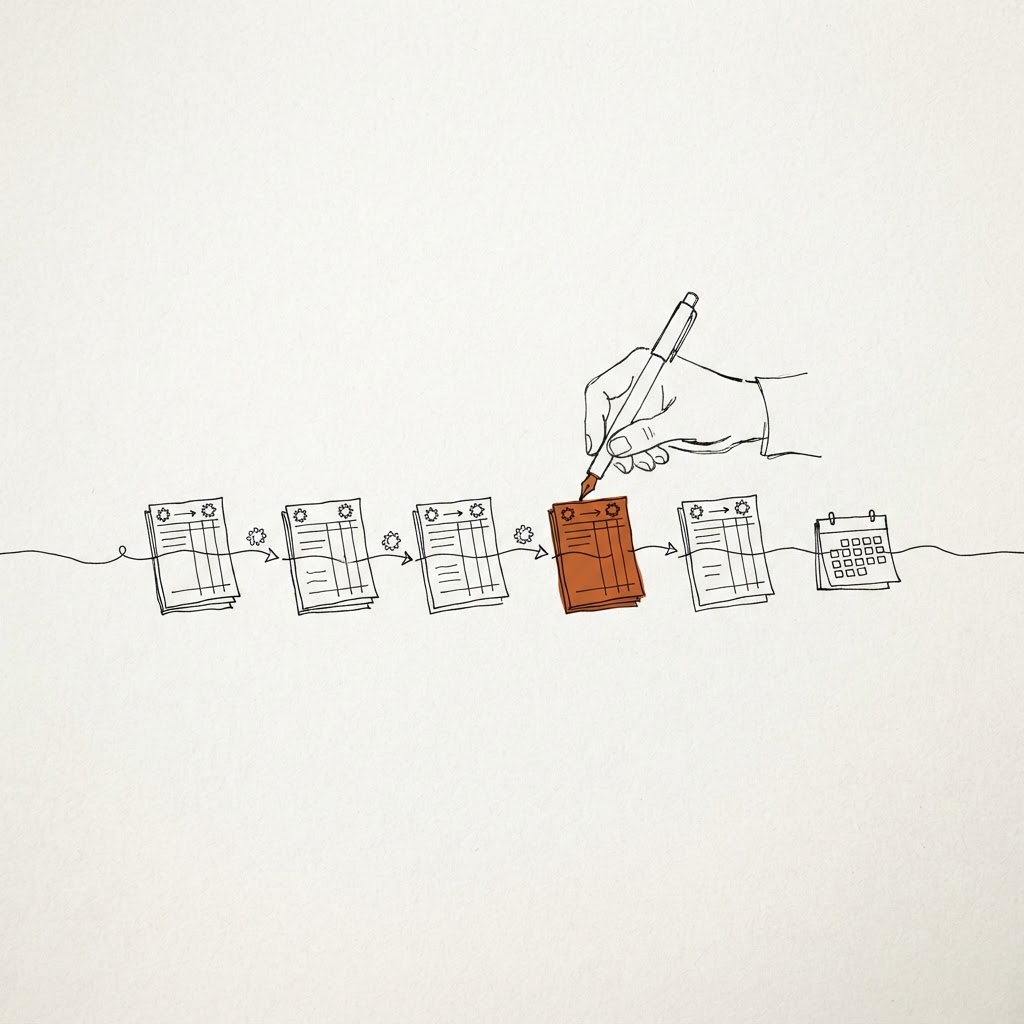
A step-by-step month-end close workflow, with the points where automation removes the waiting and the points where a person must still decide.
Key takeaways
The problem Close runs late because tasks wait on each other, and nobody sees the chain until the deadline.
Core insight Close is a dependency problem more than a workload problem, so the first gain comes from sequencing and chasing, not from faster entry.
Practical outcome Write the close as a task list with owners and blockers, then automate the chasing and the reconciliations that feed the rest.
Say it is day three of close. The accrual cannot post because the purchase receipt is missing. The receipt is missing because a buyer is traveling. The bank reconciliation is waiting on the accrual. Everyone is busy and nothing moves.
That chain is typical, and it explains why a close is slow even when the team is good. This guide lays out the workflow in order and shows where automation removes the waiting.
The challenge
A close has three kinds of work. There is data entry, there is review, and there is coordination. Teams measure the first, feel the second, and underestimate the third. Coordination, meaning chasing people for inputs, is the main source of delay in many closes.
It is also the part that software handles well, because it is rule-based and tireless.
The workflow, step by step
Step 1: Freeze and cut off
Set the cut-off for subledgers and confirm the period is open for the right users only. Automation here is simple: a scheduled check that flags any transaction dated into the closing period after cut-off.
Step 2: Complete the subledgers
Clear the open items in payables and receivables. Unmatched invoices, unapplied cash and unreleased approvals all become close problems if they survive the cutoff. This is where an agent that works exceptions daily, all month, pays off. The work is spread out instead of stacked on day one.
Step 3: Reconcile bank and clearing accounts
Match bank activity to the ledger. Clean matches post on their own. The agent proposes the harder ones, such as a payment covering several invoices, with its reasoning. A person approves what falls outside your tolerance.
Step 4: Book accruals and prepaids
Recurring accruals and amortization schedules should generate from a template with the amounts updated, not be rebuilt each month. Judgment-based accruals, such as an estimate for a disputed amount, stay with a person. The system prepares the support. It does not decide the estimate.
Step 5: Intercompany and eliminations
Match intercompany balances and flag the differences by cause: timing, currency, or a transaction booked on one side only. Resolve the differences before consolidation.
Step 6: Review the trial balance
Compare balances to prior periods and to expectations. A system can flag the accounts that moved more than a threshold and attach the largest transactions behind the change. The reviewer starts at the explanation, not at the raw number.
Step 7: Adjust, approve, lock
Post adjustments with support, collect sign-offs, and lock the period. Keep the sign-off record with the close package.
Where the automation sits
- Chasing: reminders to the owner of each blocked task, with the specific missing input named.
- Reconciliation: matching and proposals, as described above.
- Templates: recurring entries generated and checked against the prior month.
- Variance support: the transactions behind each flagged movement, gathered in one place.
- The checklist itself: a live status of every task, its owner and its blocker.
What stays human: estimates, policy calls, and the final review. Reconciliation shouldn't consume your senior staff, but the sign-off should stay with them.
A short example
Say a team's close has thirty tasks. Each task gets an owner, a due time, and a list of what it waits on. On day one the system sees that three tasks depend on one missing receipt. It messages the buyer, names the purchase order, and posts the status to the controller's view.
The controller did not have to ask. The accrual posts the same day the receipt arrives, and the chain unblocks.
How to measure whether it works
- Working days from period end to lock.
- Number of tasks that finished after their due time, and the cause.
- Adjusting entries posted after the first trial balance review.
- Hours spent on chasing, estimated by a short weekly survey of the team.
Pick a baseline across at least three closes. Because every month has quirks, a single month tells you little.
Getting started
Do not start with software. Write your last close as a list: each task, its owner, what it waited for, and how long the wait ran. Circle the three longest waits.
Those three are your first project. In most teams they are a missing input, a slow approval, and a reconciliation that starts too late. Each has a direct fix, and none needs a new ledger.